NECO Result Checker 2026: How to Check Your Result Online
The NECO result checker 2026 is the official online system candidates use to access their NECO examination results. If you have received your result-checking token and registration number, you can check your result online through the official NECO Results Portal.
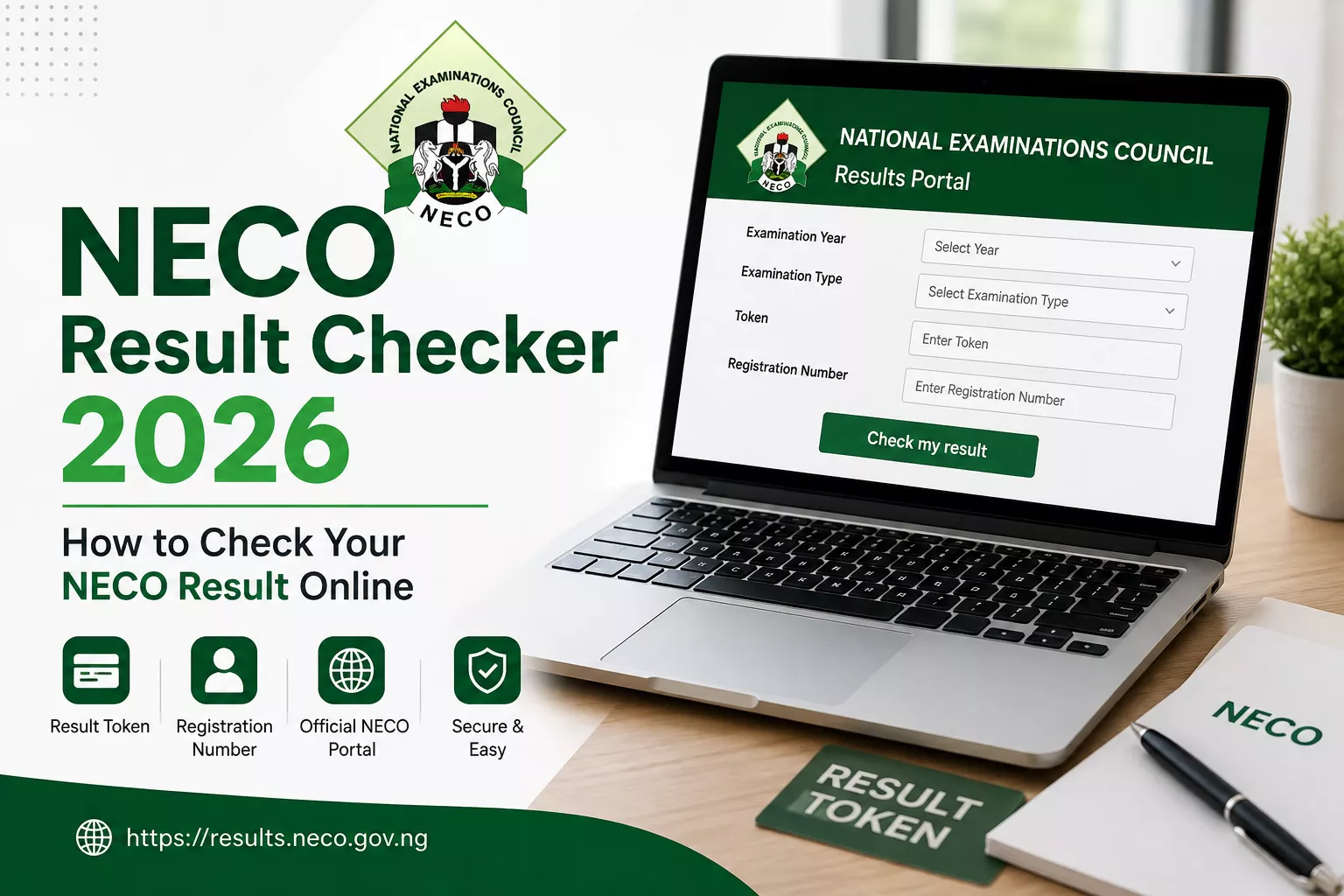
This guide explains how to check your NECO result, what information you need, where to enter your token, and what to do if you experience problems while checking your result.
How to Check Your NECO Result Online
Checking your NECO result online is straightforward. The official NECO Results Portal provides the fields needed to select your examination details, enter your token and registration number, and view your result.
Step 1: Visit the Official NECO Results Portal
Start by visiting the official NECO Results Portal:
Check Your NECO Result Online →
Make sure you are using the official NECO results website before entering your examination information.
Step 2: Select Your Examination Year
On the results page, select the year in which you took the NECO examination.
Choose the correct examination year carefully because your result is connected to your examination details.
Step 3: Select Your Examination Type
After selecting the examination year, choose the appropriate examination type from the available options.
Make sure the examination type matches the examination you sat for.
Step 4: Enter Your NECO Token
Enter your valid NECO result-checking token in the Token field.
Check the token carefully before continuing. If you purchased a token from an independent seller, keep your token private and do not share it publicly.
Step 5: Enter Your Registration Number
Enter the registration number associated with your NECO examination.
Check the registration number carefully to avoid entering incorrect information.
Step 6: Click “Check My Result”
After entering the required information, click the “Check my result” button.
If the details entered are correct and your result is available, the NECO Results Portal should display your result.
What Do I Need to Check My NECO Result?
Before starting the result-checking process, make sure you have the following:
- Your NECO examination year
- Your examination type
- Your NECO result-checking token
- Your NECO registration number
- A phone, tablet or computer with internet access
Having these details ready can make the result-checking process faster and easier.
Where Can I Buy a NECO Result Token?
If you do not have a result-checking token, you can purchase one from an independent token seller such as NECO Token.
Our current selling price is ₦2,500 per token. This is the price charged by our independent service and should not be interpreted as an official NECO fee or charge.
After successful payment through our website, the token is displayed after checkout and sent to the email address provided during the purchase.
Can I Check My NECO Result Without a Token?
A result-checking token is required when using the NECO Results Portal’s token-based result-checking process.
If you do not have a token, you can obtain one before attempting to check your result.
What If My NECO Result Token Is Not Working?
If your token is not accepted, first check that you entered it correctly. Also confirm that you selected the correct examination year and examination type.
If you purchased your token from NECO Token and believe there is a problem with your purchase, contact our support team with your order reference.
You can contact us through WhatsApp or email for assistance.
What If I Enter the Wrong Registration Number?
If you enter an incorrect registration number, the result may not be displayed correctly. Carefully compare the registration number you entered with the details provided during your examination.
Correct any mistake and try again.
Can I Use a Phone to Check My NECO Result?
Yes. You can access the NECO Results Portal using a smartphone, tablet or computer with an internet connection.
For the best experience, use a modern web browser and make sure your internet connection is stable while checking your result.
NECO Result Checker 2026: Quick Steps
- Visit the official NECO Results Portal.
- Select your examination year.
- Select your examination type.
- Enter your NECO token.
- Enter your registration number.
- Click “Check my result.”
Need a NECO Result Token?
If you are ready to check your NECO result but do not have a token, you can purchase a NECO result-checking token from our website.
If you need help with your purchase, you can also contact us through WhatsApp.
Frequently Asked Questions About NECO Result Checking
What website do I use to check my NECO result?
Use the official NECO Results Portal at results.neco.gov.ng.
What do I need to check my NECO result?
You generally need your examination year, examination type, result-checking token and registration number.
How much is a NECO result token?
The current selling price on NECO Token is ₦2,500 per token. This is our independent selling price and is not presented as an official NECO fee.
Can I buy a NECO token online?
Yes. You can purchase a NECO result-checking token through the Buy NECO Token page.
Where should I enter my NECO token?
Enter your token in the Token field on the official NECO Results Portal, together with your examination year, examination type and registration number.
Important Disclaimer
NECO Token is an independent service provider/reseller and is not affiliated with or endorsed by the National Examinations Council (NECO).
The NECO Results Portal is operated by NECO. For official result-checking services and examination information, always use the official NECO website and results portal.
Official NECO Results Portal
To check your result, visit the official NECO Results Portal:
Official NECO Results Portal →
For more information about token prices and how to use a result-checking token, read our NECO Result Token Price Guide.